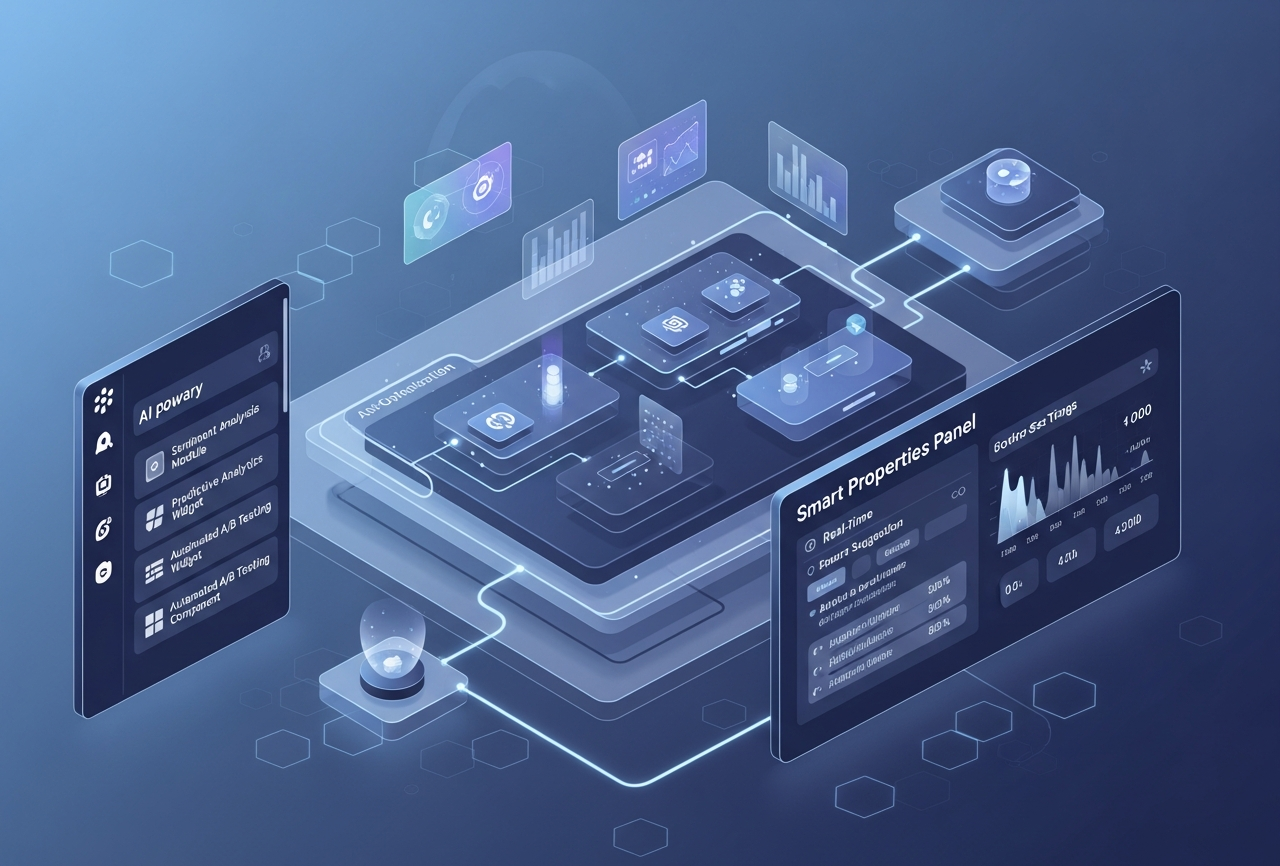
If you’ve been anywhere near the product or startup world lately, you’ve probably noticed something interesting: no-code platforms aren’t just “drag and drop” toys anymore. They are becoming incredibly intelligent, AI-driven creative partners that feel more like co-builders than just tools, and honestly, it's quite amazing.
Today’s no-code ecosystem is going through a big shift, from simple visual editors to AI-first UX platforms that assist, predict, refine, and even self-optimize your app as people use it. And yes, this evolution also explains why everyone is hunting for the best drag and drop app builder or a powerful drag and drop Android app builder to get things done faster. Let’s dig into what makes this new wave so different and so exciting.
What AI-First UX Really Means
AI-first UX is pretty much what it sounds like: design workflows and interfaces that prioritize machine intelligence from the very beginning. Instead of waiting for a human to tweak things endlessly, the system:
- Predicts what layout or component you might need
- Suggests data structures for your pages
- Recommends UX fixes automatically
- Adjusts user flows based on real behavior
Think of it like working with a designer–developer hybrid who never sleeps and really, truly loves patterns.
And because of such smartness, people keep turning to platforms marketed as thebest drag and drop app builder or fully mobile-ready options known as the online mobile app builder, twice as fast, twice as friendly.
The Visual Editor That Actually Thinks for You
Older no-code builders often handed you a blank canvas and essentially said, “Here you go, figure it out.” Modern AI-first editors, however, operate with far more intelligence and subtle guidance. They don’t just let you place components; they actively assist you throughout the design process.
Here’s how today’s smarter editors support you:
- They recognize and interpret relationships between components as you build.
- They automatically map relevant data fields when you add forms or inputs.
- They flag potential issues early, such as unnecessarily long or complex forms.
- They suggest cleaner, more efficient layouts with a single click.
It sometimes feels as if the interface is quietly nudging you, “Would you like to improve this screen?” and even though it’s surprisingly perceptive, you end up appreciating the help every single time.
Natural Language to Real Screens: Magic or Just Smart Tech?
One of the most mind-blowing shifts in AI-first no-code platforms is how they can now turn plain sentences into actual, functional screens. You don’t have to drag ten components, wire up logic manually, or wonder if you misplaced a button by three pixels. Instead, you simply type something like, “Create an onboarding flow with email verification, a progress bar, and reminder notifications,” and the system instantly generates the screens, states, and workflows as if it already knew what you were thinking. It feels magical the first few times, but really, it’s just very smart tech doing what it does best, recognizing patterns, predicting structures, and filling in the gaps we didn’t even explain out loud.
For early founders or solo builders looking to move quickly, an online app builder is highly advantageous because it removes one of the slowest aspects of the creative process: starting from scratch. This benefit also extends to teams using an online app builder for rapid prototyping. They can gain a significant head start without any financial investment, as AI manages the more labor-intensive tasks, allowing them to concentrate on developing their product vision.
Mobile-First, Without Losing Your Mind
For most teams, Android is still the first platform to test because it’s fast, flexible, and cost-effective. So naturally, the search for the best drag and drop Android app builder keeps growing.
Why? Because mobile-first no-code builders now offer:
- Automatic responsive layouts
- Native-like gestures
- One-click APK builds
- QR-code mobile testing
- Performance enhancements baked in
This is also where a good online mobile app builder shines; it gives non-technical creators the power to deliver near-native performance without touching Java, Kotlin, or anything else that looks like code soup. Additionally, teams compare several online mobile app builder options before choosing one that fits their workflow.
Self-Optimizing UX: Apps That Learn as People Use Them
AI-first no-code platforms are not “build once and pray forever.” Nope. They actually observe your users and whisper helpful things like:
- “Users dropped off on Step 3. Want to shorten that?”
- “This button works better in blue. Try it?”
- “Page load time increased. Let’s optimize the image sizes.”
Honestly, when your app starts giving you relationship-style feedback, it’s surprisingly helpful.
Things AI can self-optimize today:
- Button placements
- Form lengths
- Navigation flows
- Conversion funnels
- Copy variations
- Image performance
Envision a tool that not only identifies issues but also resolves them with a single click. We have, without a doubt, entered a new era of technological advancement.
Why Templates and Component Marketplaces Matter More Than Ever
Sure, templates used to be generic and honestly kind of stiff. But now, thanks to AI:
- Templates adapt to your branding
- Components adjust themselves (colors, padding, icons)
- Marketplaces teach you best practices in real time
And sometimes, the builder even nudges you, for example:
“This template is trending for onboarding, want to try it?”
What to Look For in an AI-First No-Code Platform
Choosing the right builder isn’t just about the shiniest UI. Here’s a quick human-style checklist:
Must-have features:
- AI intent-to-screen generation
- Auto-optimization with usage analytics
- Integrations and web hooks
- Export or custom-code flexibility
- Multi-platform support (web + Android + iOS)
- Roles, permissions & team collaboration
- A genuinely useful free tier
If you evaluate tools with this checklist, you’ll instantly know which one deserves the title of best drag and drop Android app builder, depending on your target platform and speed needs.
Workmaster: AI-First No-Code, Reimagined
At Workmaster, we’ve always believed that building an app shouldn’t feel like wrestling with complexity. Our mission is to give creators to founders, teams, businesses, and even curious beginners a platform where ideas turn into fully working apps faster than ever. Using AI-assisted workflows, drag-and-drop editing, and automated optimization, Workmaster helps you build professional-grade apps without writing a single line of code. We support multi-platform deployment (web, iOS, Android), offer instant previews, and include built-in analytics so your app keeps learning and improving. Whether you need productivity apps, workflows, dashboards, or customer-facing products, Workmaster gives you the power and flexibility of a developer, without the technical overhead. If you’re looking for a smarter, simpler, and more scalable way to build, Workmaster is here to help you move from idea to impact effortlessly.
FAQs
1. What makes AI-first no-code platforms better than traditional ones?
AI-first platforms predict user needs, automate workflows, optimize layouts, and accelerate app creation with intelligent suggestions.
2. How does natural language generation improve the no-code app-building process?
It converts simple written instructions into functional screens, reducing manual effort and speeding early product development.
3. Are AI-powered no-code tools suitable for complete beginners?
Yes, beginners benefit from guided suggestions, automated layouts, simplified workflows, and minimal technical learning requirements.
4. Can AI-first no-code builders create production-ready mobile apps?
Absolutely, they generate responsive, high-performance mobile interfaces with smart optimization and seamless deployment features.
Related reading
AI app builder · Why No-Code App Builders Are the Future of AI-Driven Innovation · Build Smarter with No-Code AI Templates for Chatbots, Tools & More