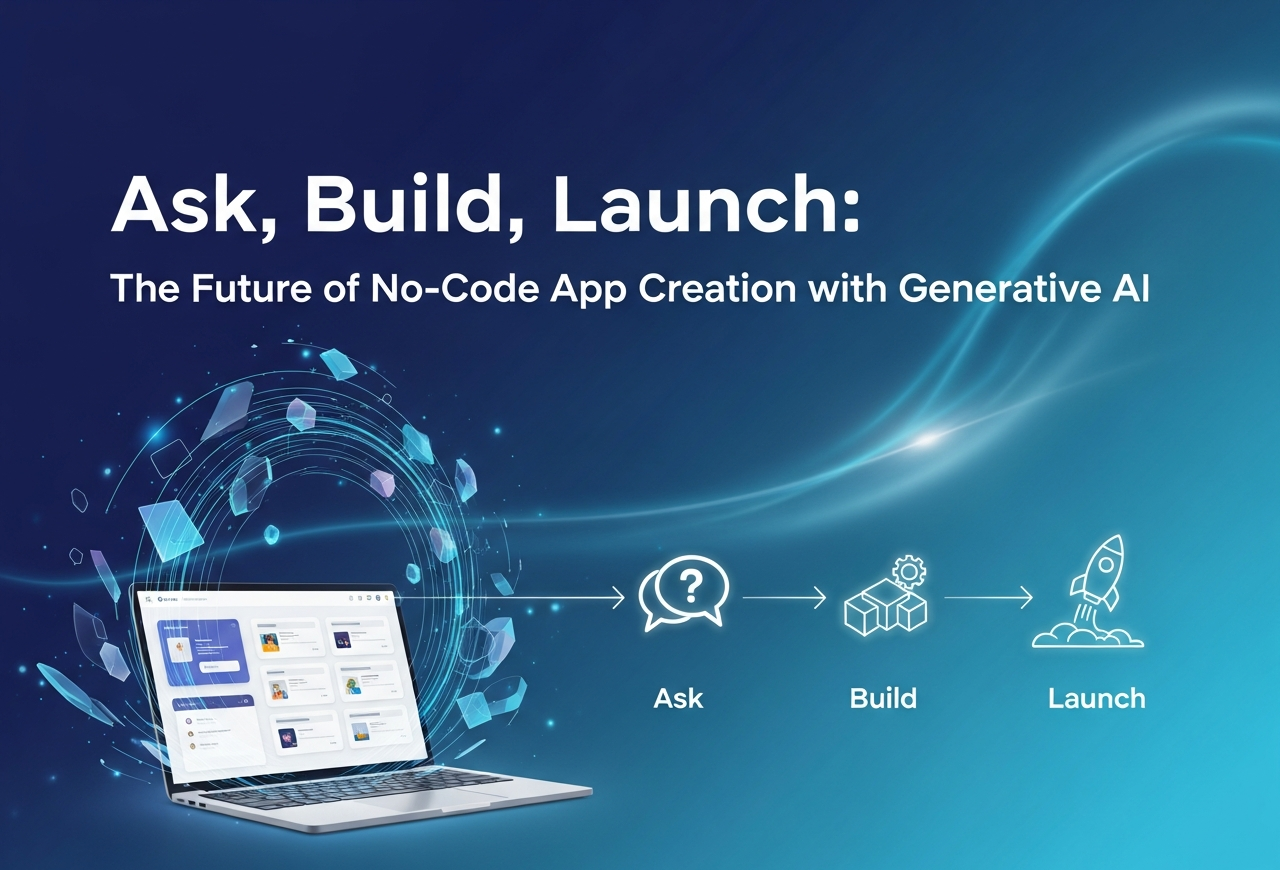
Not too long ago, building an app meant wrestling with code, battling bugs, configuring servers, and hoping everything didn’t break on launch day. Thankfully, that era is fading. With generative AI reshaping no-code platforms, we’ve stepped into a new reality, one where you simply ask, the system helps you build, and you launch faster than ever. Sounds unreal? Maybe. But it’s happening right now.
This article will break down how the “ask-build-launch” workflow works. Additionally, why it’s transforming the no-code space, and how tools like no-code AI application layout templates, no-code app interface templates, and no-code best app design templates are becoming essential. Let’s get into it.
The “Ask” Stage: Ideation Made Easy
When an idea strikes, you don’t want to waste time thinking about databases, auth systems, or infrastructure. You want to say something simple like: “I need an app that tracks employee hours and alerts managers when overtime crosses a threshold.”
With modern generative-AI-powered no-code platforms, that plain sentence becomes your blueprint.
Here’s what happens behind the scenes:
- You describe your idea in natural language.
- The system identifies screens, workflows, navigation, and data structures.
- It suggests templates from libraries such as no code AI application layout template and no-code AI application template design.
- You pick a starting point, personalize colors and branding, adjust screens, and move straight into building.
Instead of a blank page, you begin with a smart foundation. Suddenly, the question isn’t “How will I build this?” but “What should I build next?”
The “Build” Stage: Visual, Intelligent, Fast
Once you’ve picked your direction, the real construction begins. This is where the power of generative AI and the right no code app interface template shines.
You don’t just drag components, you collaborate with an intelligent system that suggests:
- “Add a stats card here.”
- “Would you like to include a date picker?”
- “Users expect a summary at the top of this page.”
Here’s why this stage feels magical:
- Pre-designed components tailored to your use case
- Instant responsive design for mobile, tablet, and desktop
- Automated data-flow wiring
- AI-driven UX recommendations
- Real-time previews and quick iterations
- Access to no code best app design templates for polished, production-ready screens
You still make the creative decisions, but the heavy lifting, logic, structure, flow wiring, happens quietly in the background. No database setup. No code-level debugging. No infrastructure worries.
The “Launch” Stage: Ready, Set, Go
Deployment used to be stressful, coordinating servers, builds, certificates, versions, and store approvals. Today, platforms offer:
- One-click launch to web, Android, and iOS
- Built-in analytics
- Seamless real-time updates
- Error monitoring
- Integrated user insights
And because your app is built using an optimized no code AI app layout template, it doesn’t just look polished; it performs consistently across devices.
Even after launch, the system continues to help. AI-driven analytics can suggest improvements like: “Users drop off at Step 3. Consider simplifying the form.” Your app evolves automatically with data, not guesswork.
Why This Workflow Matters
1. Speed
You no longer need months and a full development team. Ideas become prototypes in hours and live products in days.
2. Democratization
Anyone, business leaders, designers, founders, teams, can build functional apps using no code AI application template design and intelligent templates.
3. Higher ROI
With battle-tested no code best app design templates, you avoid design waste and prevent expensive rebuilds.
4. Continuous Improvement
The integration of analytics and artificial intelligence fosters a continuous feedback loop characterized by the processes of development, deployment, evaluation, and enhancement. That’s how modern apps scale, not by waiting months for the next development cycle.
Before You Dive In: Key Things to Consider
A few practical checks before going all-in:
- Ensure the no code AI app layout template aligns with your business logic.
- Verify integrations (CRM, ERP, payment gateways).
- Understand platform ownership and export policies.
- Confirm performance benchmarks if you expect growth.
- Remember: templates help, but your UX decisions still matter.
A Quick Real-World Example
Let’s say you’re a retail brand planning a loyalty app.
Ask:
“I need an app that tracks purchases, assigns points, and sends reward notifications.”
The system suggests a no code app interface template for loyalty programs.
Build:
You drag in sections for rewards, history, and points.
AI auto-generates logic for points, reminders, and dashboards.
You preview it, refine colors, and adjust messaging.
Launch:
One click; it’s live on web and mobile.
You monitor analytics and find high drop-off on the rewards page.
Revise. Relaunch. Improve.
You've launched in days, not months.
The Power of Smarter Template Libraries
Template libraries like no code AI application template design, no code AI app layout template, and no code app interface template are no longer static. They learn.
They adjust layouts based on device usage, improve flows based on analytics, and refine components to match industry best practices.
This means you’re not choosing a fixed design. You’re choosing an intelligent foundation that evolves.
Is “Ask, Build, Launch” Just Hype?
Not at all. It solves real pain points:
- Non-technical founders can build without hiring large dev teams.
- Teams can validate ideas before spending heavily.
- Enterprises can create internal tools faster.
- Apps evolve with user behavior instead of stagnating.
We’ve reached the point where no code AI application layout template and intelligent workflows aren’t gimmicks; they’re the new normal.
Workmaster: Your Partner in Ask-Build-Launch
At Workmaster, we believe app creation should feel natural, describe what you want, and watch it become real. Our AI-powered no-code platform offers industry-ready templates, seamless integrations, drag-and-drop customization, and one-click deployment across web and mobile. With advanced analytics, scalability, and a rich library of no code best app design templates, we help you move from idea to launch with zero coding. Whether you’re a solo founder, small business, or enterprise team, Workmaster accelerates your journey: Ask your vision, Build with AI-smart tools, and Launch confidently. Let’s turn your idea into a live app, faster. Visit: Workmaster
FAQs
1. How does the ask-build-launch workflow simplify no-code app creation?
It turns natural language ideas into structured screens, workflows, and templates for faster building.
2. Why are AI-powered templates important in no-code app development?
They provide ready-made layouts, smart components, and UX best practices to accelerate app creation.
3. Can non-technical users build apps using generative AI and no-code tools?
Yes. Natural language prompts and intelligent templates make app development highly accessible.
4. Do no-code apps built with templates scale for real-world use?
Absolutely. Modern platforms offer performance optimization, integrations, and analytics for scalable deployment.
Related reading
AI app builder · AI vs Traditional App Development: Why AI App Builders Are the Future · AI-Powered App Builders: The Future of Mobile App Development Is Here