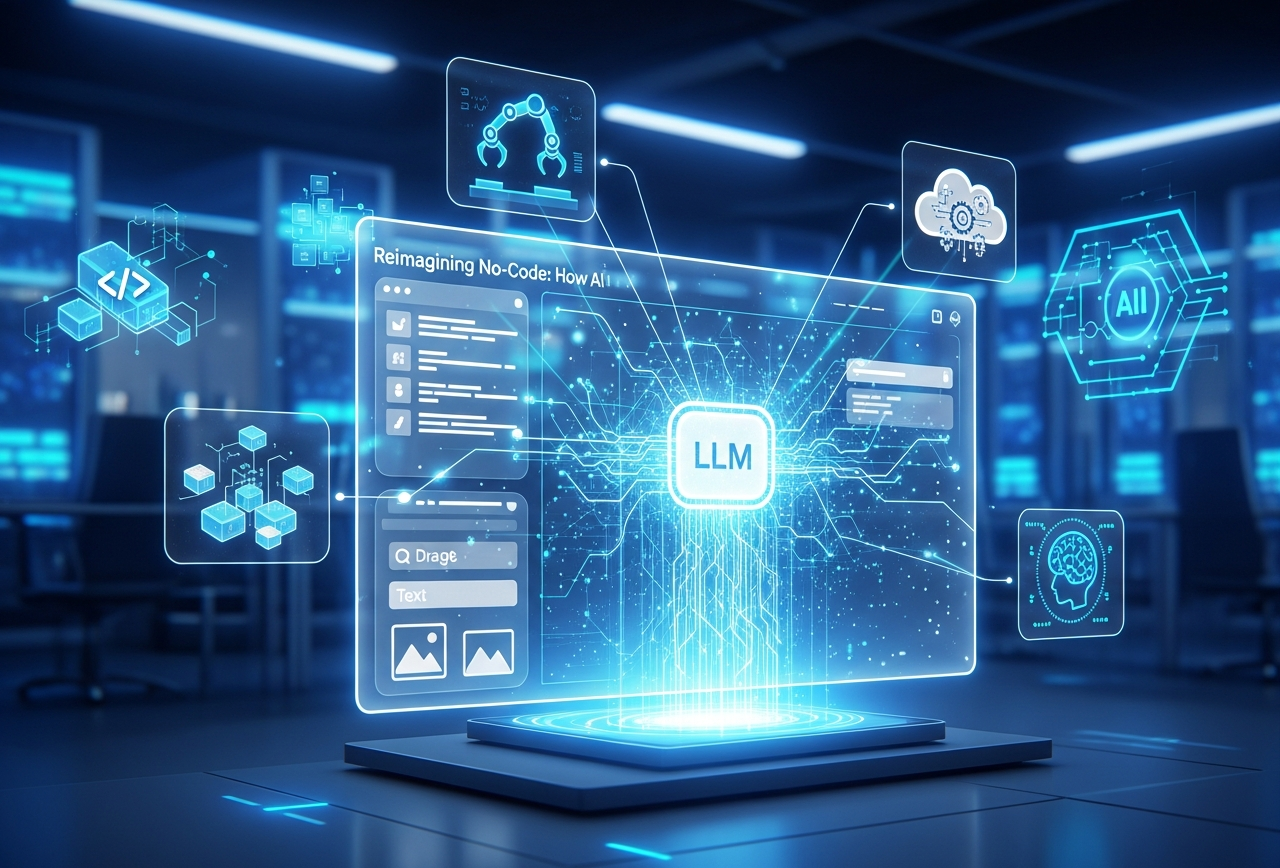
Not long ago, building an application meant writing thousands of lines of code, managing backend logic, and coordinating multiple specialists. Today, AI app creation powered by Large Language Models (LLMs) is quietly automating nearly every step of that journey. Instead of manually configuring features, workflows, and logic, creators can simply explain what they want, and AI does the heavy lifting.
This shift isn’t just about convenience. It’s about fundamentally changing how apps are imagined, built, and evolved. Let’s break down the specific ways LLMs automate app creation, step by step.
The No-Code Movement Evolves with AI
The no-code movement started with the goal of democratizing software development. Instead of writing lines of code, users could piece together visual elements, workflows, and logic using intuitive drag-and-drop interfaces. As useful as these early tools were, they still demanded a significant amount of manual design and planning.
Then came the integration of AI, and specifically LLMs like GPT, Claude, and others, into no-code builders. These language models can interpret human instructions, generate logic, structure application flows, and even offer intelligent suggestions, turning a manual process into an automated experience. The result? A new generation of app builders that can understand your idea and transform it into functioning applications.
How LLMs Automate the Entire App Development Lifecycle
1. Turning Natural Language into App Logic
One of the biggest breakthroughs of LLMs is their ability to understand human language. Modern AI app builder platforms allow users to describe their app idea in plain English:
“I want an app that collects customer requests, assigns them to team members, and sends status updates automatically.”
Behind the scenes, LLMs parse this request and translate it into:
- Data models (users, requests, tasks)
- Workflows (submission → assignment → notification)
- Conditional logic (if status changes, then notify)
What once required technical specifications and developer interpretation now happens instantly through AI-driven understanding. This is the foundation of true automation.
2. Generating Workflows and Automation Rules
Workflows are the backbone of most applications. LLMs excel at automating this layer because they understand cause-and-effect relationships.
Using AI to build app capabilities, LLMs can:
- Create approval flows based on role hierarchy.
- Automate task assignments using rules defined in natural language.
- Trigger emails, notifications, or database updates when conditions are met.
For example, saying “notify the manager if a task is overdue by two days” is enough for the system to generate the automation logic, no scripting required.
3. Building Backend Structures Without Manual Setup
Databases, APIs, and integrations are often the most intimidating parts of app development. LLMs significantly reduce this complexity.
In modern AI app creation platforms, LLMs:
- Automatically define database schemas based on app requirements.
- Create relationships between data objects (users, orders, records).
- Suggest or configure APIs for integrations with external tools.
This removes the need for backend engineering knowledge while still delivering robust, scalable app infrastructure.
4. Smart Form Creation and Data Handling
Forms are everywhere, such as lead capture, onboarding, feedback, and internal requests. LLMs automate form creation by understanding intent.
Using AI to create an app, LLMs can:
- Generate relevant form fields from descriptions.
- Apply validation rules automatically (email format, required fields).
- Suggest dropdown options and default values.
The result is forms that are functional, user-friendly, and context-aware, without manual configuration.
5. Embedding AI Assistants Inside Apps
One of the most powerful outcomes of LLM integration is the ability to embed AI directly within applications.
LLMs can:
- Act as in-app chat assistants for users.
- Answer questions using app data.
- Guide users through workflows step by step.
This transforms static apps into interactive experiences where the app itself can “explain,” “assist,” and “adapt” in real time, something traditional no-code tools couldn’t achieve.
6. Automating Iteration and Improvements
Apps are never finished. They evolve based on feedback, usage patterns, and changing needs. LLMs accelerate this cycle.
Modern app builders use LLMs to:
- Analyze user feedback and suggest feature updates.
- Recommend workflow optimizations.
- Generate new screens or logic based on changing requirements.
Instead of rebuilding from scratch, teams can iterate continuously with AI support.
7. Reducing Technical Dependency Across Teams
Perhaps the most underrated automation benefit is organizational. With AI app builder platforms, non-technical teams can participate directly in app development.
Marketing teams build campaign tools. Operations teams automate internal processes. Founders prototype ideas without waiting on developers. LLMs act as the technical translator, bridging intent and execution seamlessly.
8. Scaling Apps Automatically as Needs Grow
As apps grow in complexity, LLMs help manage that scale by:
- Recommending modular app structures.
- Preventing redundant logic.
- Maintaining consistency across workflows and data models.
This makes AI build app platforms suitable not just for prototypes, but for real production-grade applications.
9. Making App Creation a Conversation, Not a Project
At its core, LLM-driven AI to create an app transforms development into an ongoing conversation. You describe what you need today. Tomorrow, you will refine it. The AI listens, adapts, and updates the app accordingly.
This conversational approach is what truly automates “everything”, from ideation to execution to iteration.
Workmaster: Automating App Creation with Purpose
At Workmaster, we’ve embraced this evolution by building a platform where AI-driven automation is at the center of app development. From our point of view, app creation should feel intuitive, not technical. That’s why Workmaster combines a powerful no-code environment with LLM-powered intelligence that understands your requirements, builds workflows automatically, and adapts as your needs evolve. Our platform enables teams to design, deploy, and scale applications across web and mobile, while AI handles logic, automation, and integrations behind the scenes. Whether you’re streamlining internal operations or launching customer-facing solutions, Workmaster helps you move faster, smarter, and with complete confidence, turning ideas into functional apps without friction.
Frequently Asked Questions (FAQs)
How do LLMs understand what kind of app I want to build?LLMs analyze natural language inputs, identify intent, and translate requirements into app logic, workflows, and data structures.
Do I need coding or technical skills to use AI-powered app builders?No. LLMs handle logic, automation, and backend setup, allowing non-technical users to build fully functional apps.
Can AI-generated apps be customized after creation?Yes. You can refine workflows, UI elements, and features through prompts or visual editors as requirements evolve.
Are LLM-built apps scalable for real business use?Absolutely. LLMs help maintain structure, optimize workflows, and support scaling from prototypes to production apps.
Related reading
AI app builder · From Prompt to Production: How LLMs Now Generate Full AI Apps Without Coding · How Vibe Coding Influences No Code AI App Builders in 2026